
For new websites, rebuilds, and clean migrations to WordPress
Custom WordPress Builds and Rebuilds
If you need a new WordPress site, the build matters more than the launch package around it.
I build custom WordPress websites that are lean, reliable, and easier to grow with. That means a site shaped around your content, goals, and day-to-day needs, without bloated themes, generic templates, or a stack of unnecessary plugins.
This is a good fit if you are starting from scratch, replacing an outdated site, moving to WordPress from another platform, or rebuilding a plugin-heavy setup that has become too messy, awkward, or fragile to keep patching.
When to Use This
What’s Typically Included
Why This Works
Benefits and Outcomes
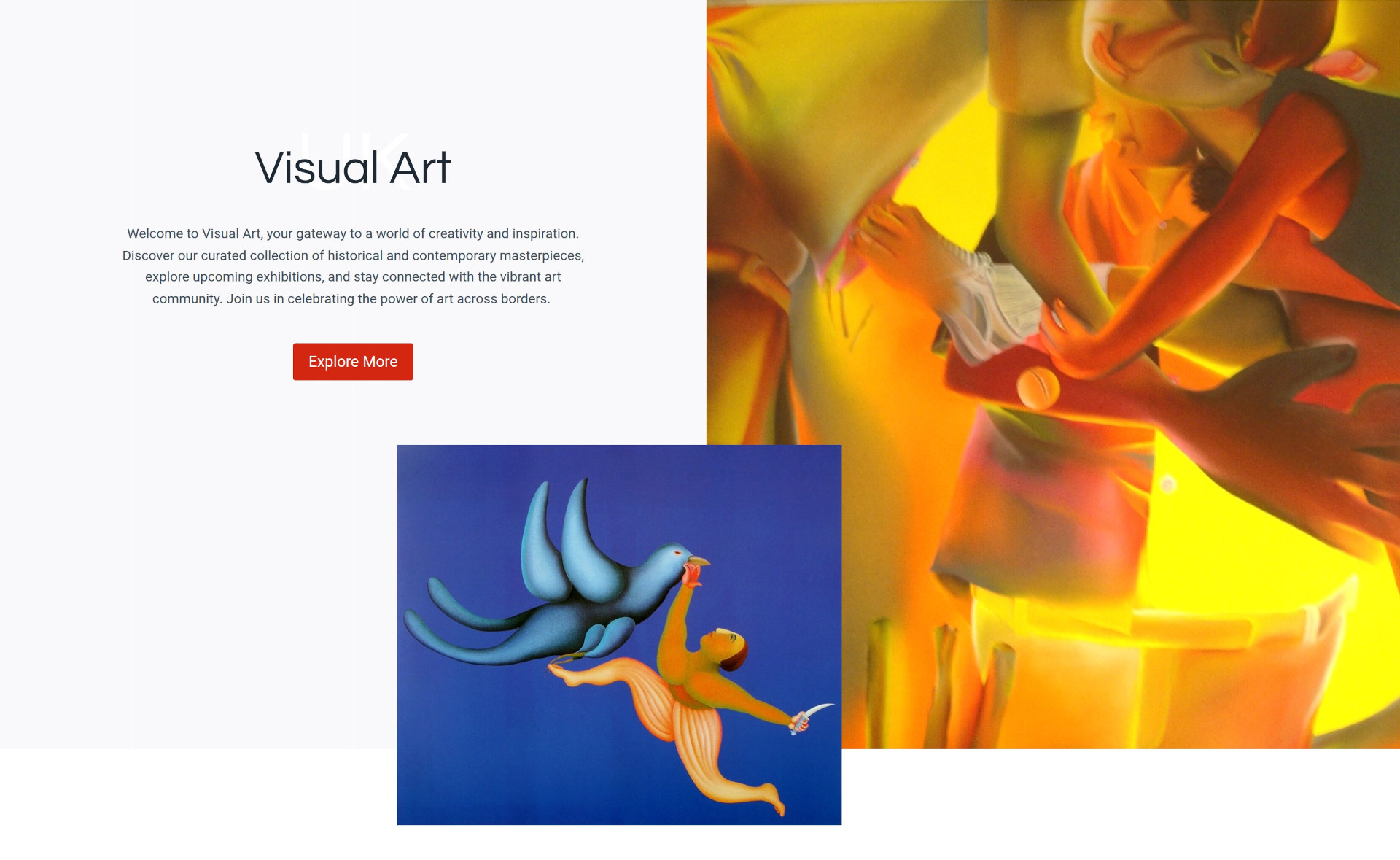
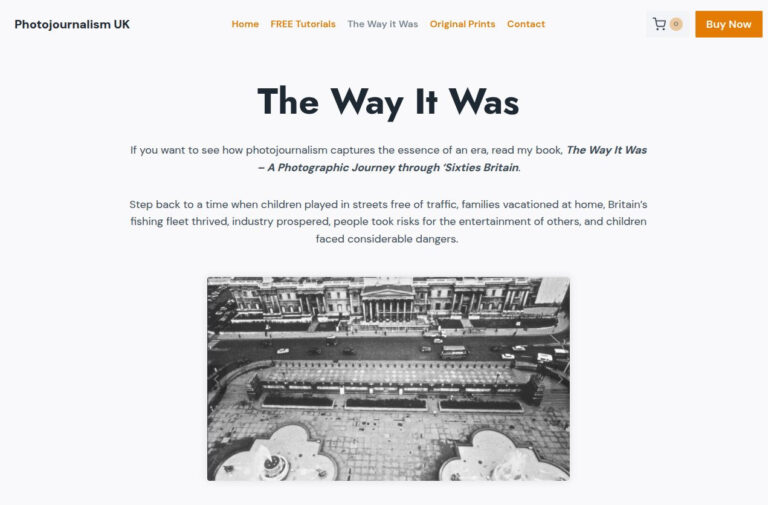
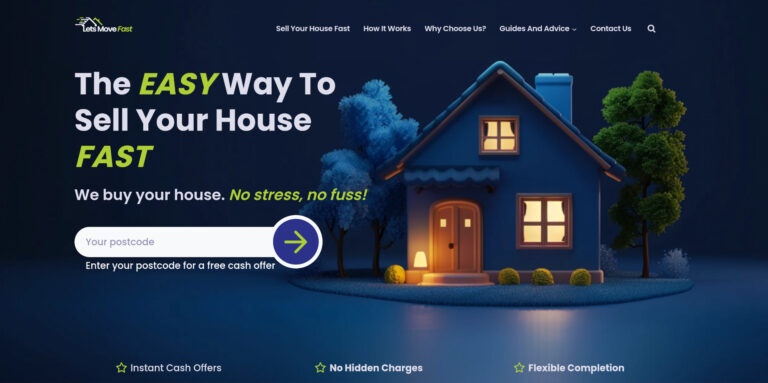
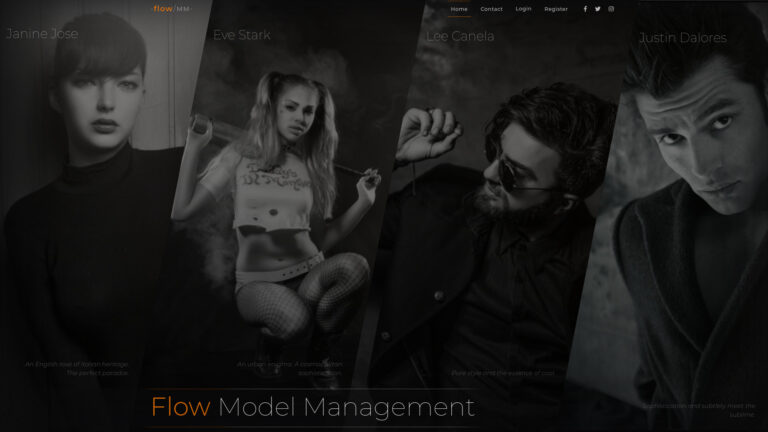
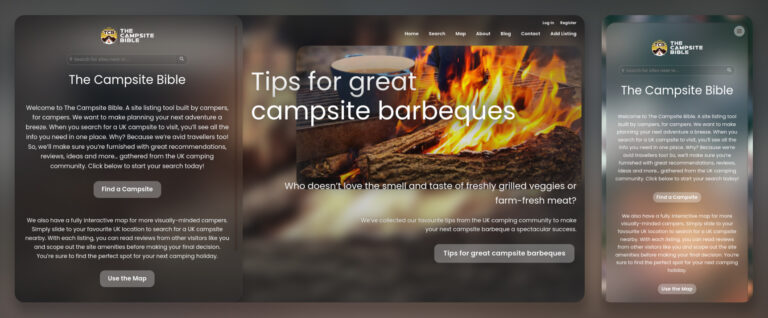
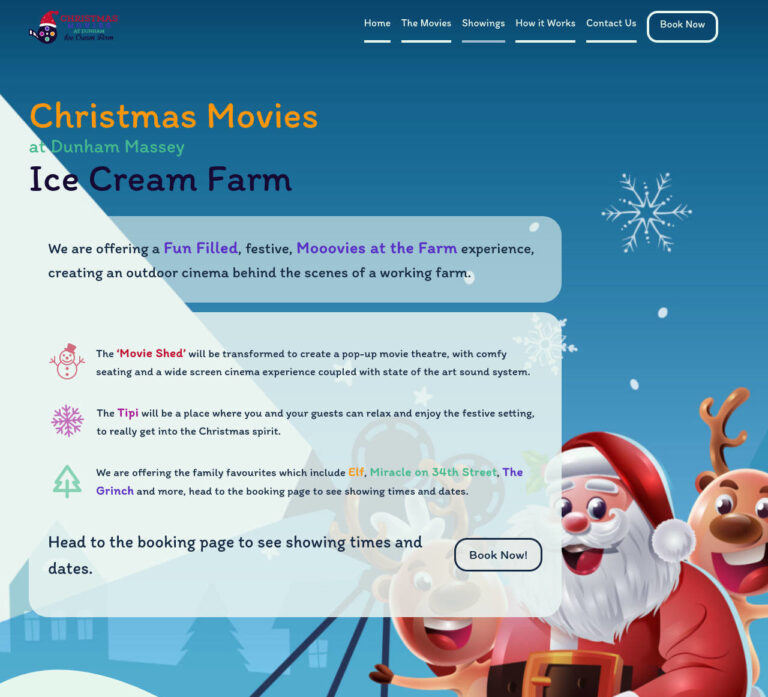
Recent Custom WordPress Builds









Who This Is Best Suited To
This service is usually the right fit for businesses that need a proper new website rather than a few surface-level improvements.
That might mean a new business launching its first serious site, a company replacing something dated and difficult to manage, or a team moving away from another platform and wanting a better long-term setup on WordPress.
It is also a good fit when the existing site has too many structural problems to keep patching. That might mean plugin sprawl, brittle customisations, workaround-heavy templates, or a setup that technically works but has become slow, awkward, and harder to trust over time. In those cases, rebuilding is often more sensible than dragging those problems into yet another redesign.
If the current site is still usable and mainly needs performance, SEO, usability, or structural improvements, that is often better handled through a Website Refresh instead.
Why A Custom WordPress Build Instead Of A Theme
Off-the-shelf themes can look like a shortcut, but they often bring extra complexity with them. You end up adapting the business to fit the theme, adding plugins to fill gaps, and working around decisions made for a much wider audience.
Custom WordPress builds give you a setup that matches the content, layout, and functionality you actually need. That usually means less bloat, better performance, cleaner templates, and fewer awkward compromises in the admin area.
That does not mean every project needs an elaborate custom system. It means making sensible development choices early so the site is easier to manage, easier to extend, and less likely to become messy six months later.
New Builds, Rebuilds, And WordPress Migrations
Not every project starts from the same place.
Some clients need a completely new WordPress website for a new business or service. Others already have a website, but it is outdated, tied to the wrong platform, overloaded with plugins, or no longer worth repairing properly. In those cases, a rebuild can be the cleaner option.
I also take on WordPress migrations where the goal is to move from another platform without bringing unnecessary clutter with it. That includes thinking through content structure, redirects, search visibility, and what needs to change before launch rather than after it.
The common thread is that the site should start in a cleaner, more reliable state than the one it replaces.
What A Good Build Should Still Be Doing A Year Later
Good custom WordPress builds should not only look right on launch day.
It should still be easy to edit, still load quickly, still make sense structurally, and still support new content or future improvements without turning into a workaround-heavy mess. That is one of the main reasons to take the build seriously from the start.
This is also why I avoid loading a project up with unnecessary tooling just to make the handover look more impressive than it is. A leaner setup is usually easier to maintain and easier to improve when the business grows.
Frequently Asked Questions
Related Work And Next Steps
If you want to see examples of past projects, my Portfolio is the best place to start.
If your site probably needs improvement rather than a full rebuild, the more relevant service is Website Refresh.
If you already know you need a custom WordPress build, the next step is a conversation about what the site needs to do, what content or platform you are starting from, and whether this should be a fresh build, a rebuild, or a migration.